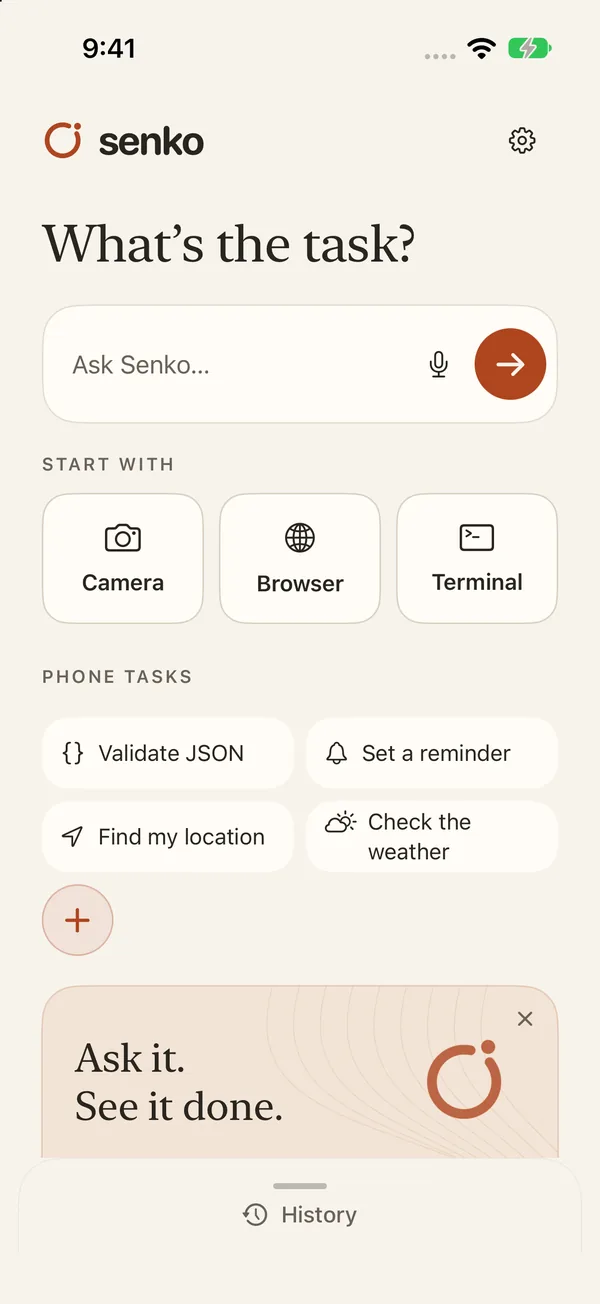
Your personal AI computer
Think it.
Make it.
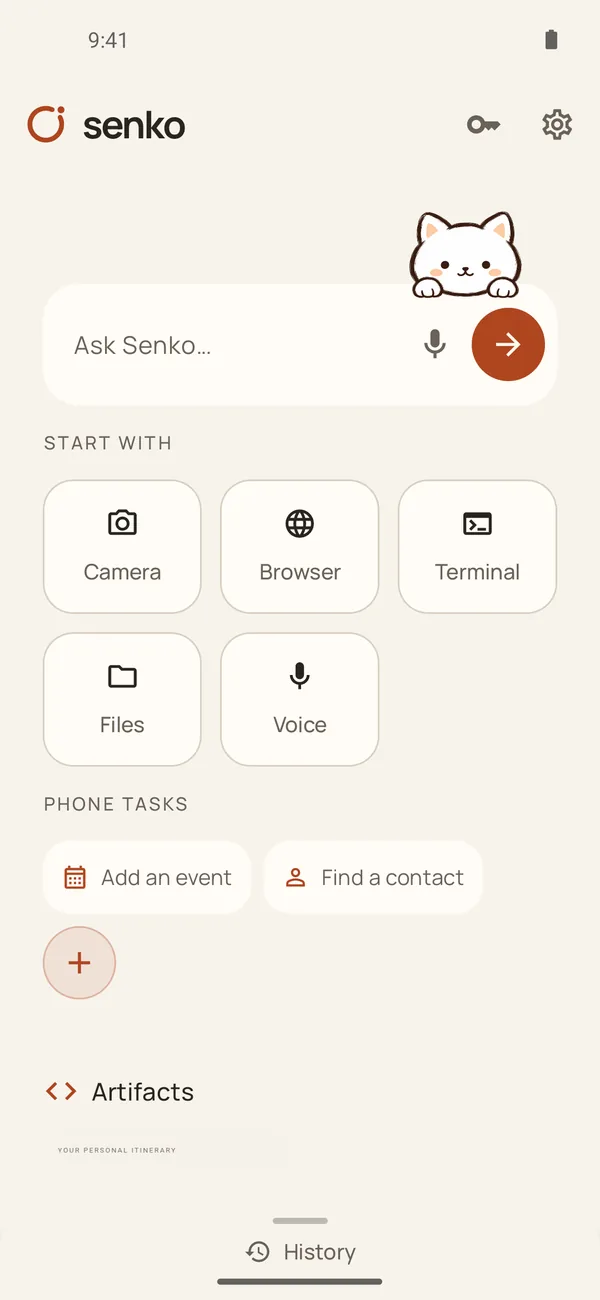
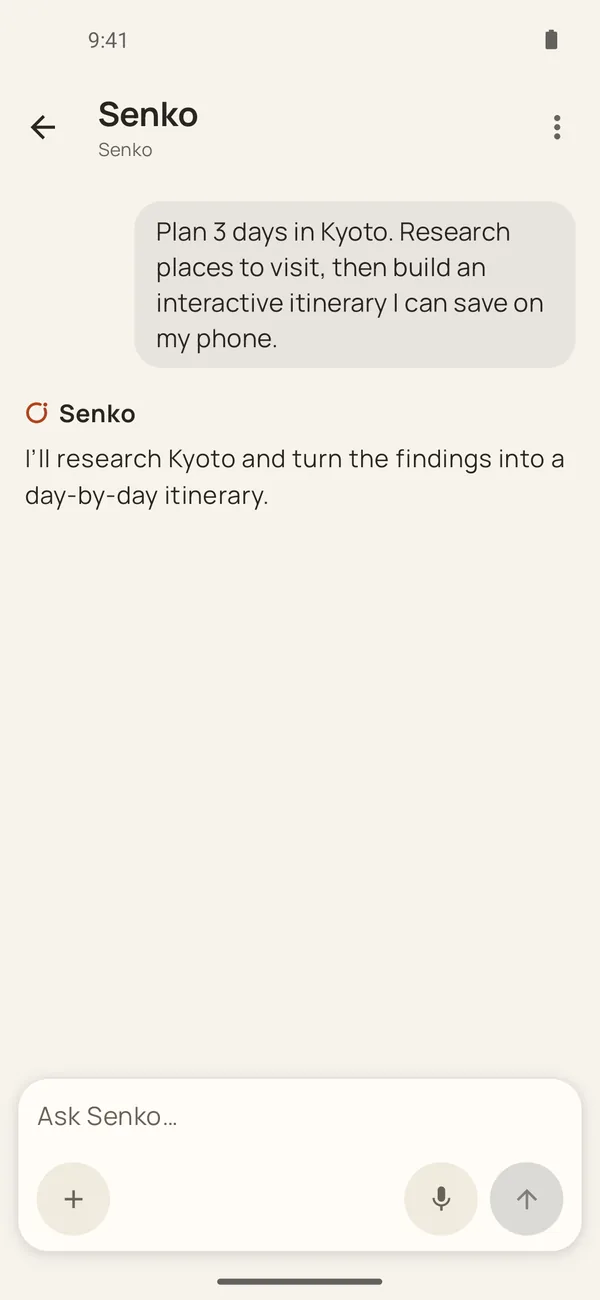
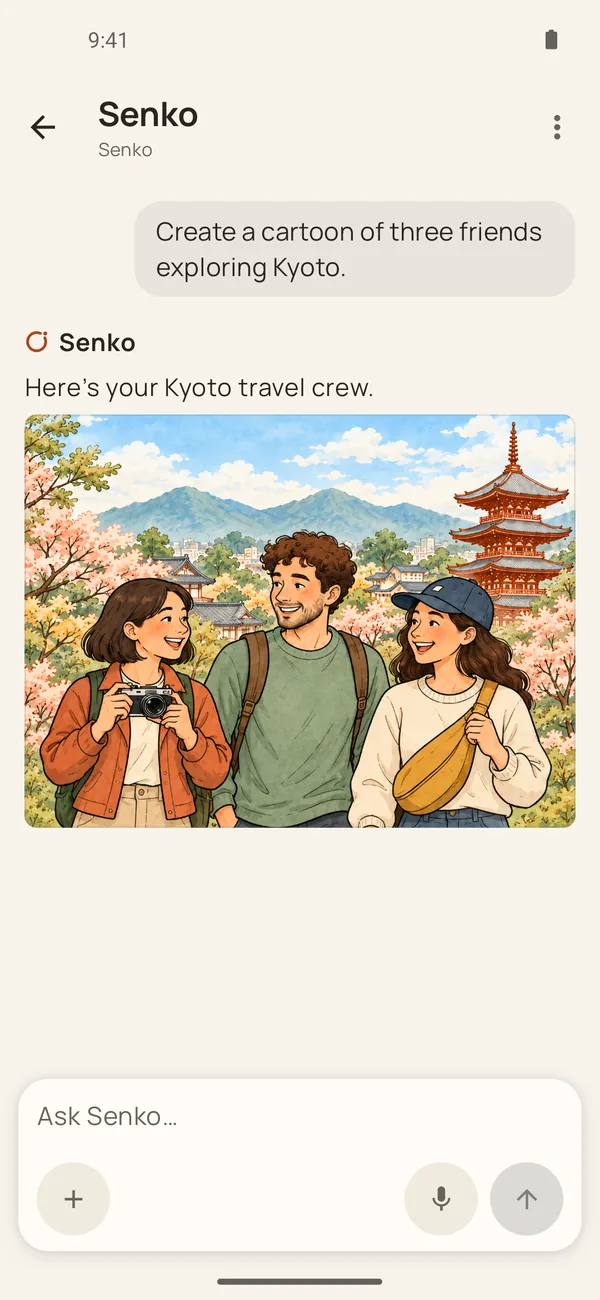
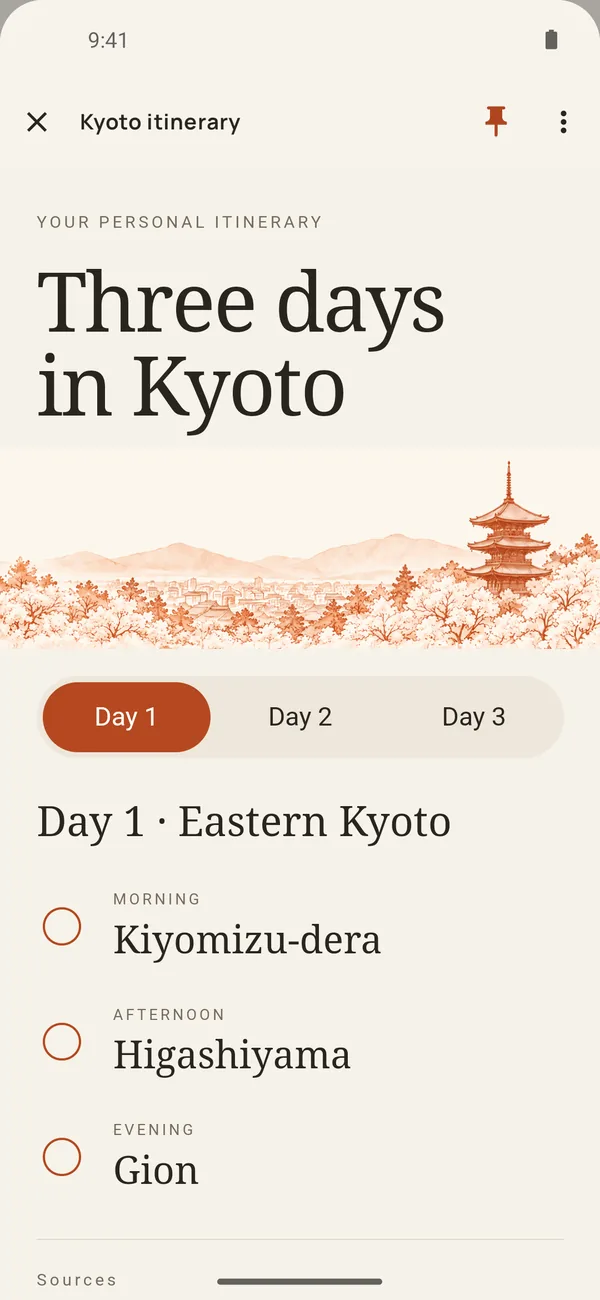
Ask for a spreadsheet, a document, a website or a new look for a photo. Senko turns it into something you can keep, use and share.
Explore
Project.xlsx XLSX
AB01240240028024003120240
=SUM(B1:B3)720
OFFBEAT®01 / 03
GOOD
DIFFERENT.Independent by design.THE CREATIVE BRIEFA good place
to start.
Make something that feels like you.
~/ideas$ python3 make.py
Ready when you are.
 What are we making?
What you can make with Senko
D5=SUM(D2:D4)
Try changing a quantity.
Build budgets, trackers and tables with formulas and charts. Open and save .xlsx files or export to PDF.
Remove a background, try a new color, or fine-tune a photo with layers, history and adjustments.
OFFBEAT®Independent by design.
GOOD
DIFFERENT.
Art. Sound. Something else.EST. 2026
Build a small website, a calculator, or a game, then save it to Home and open it again whenever you need it.
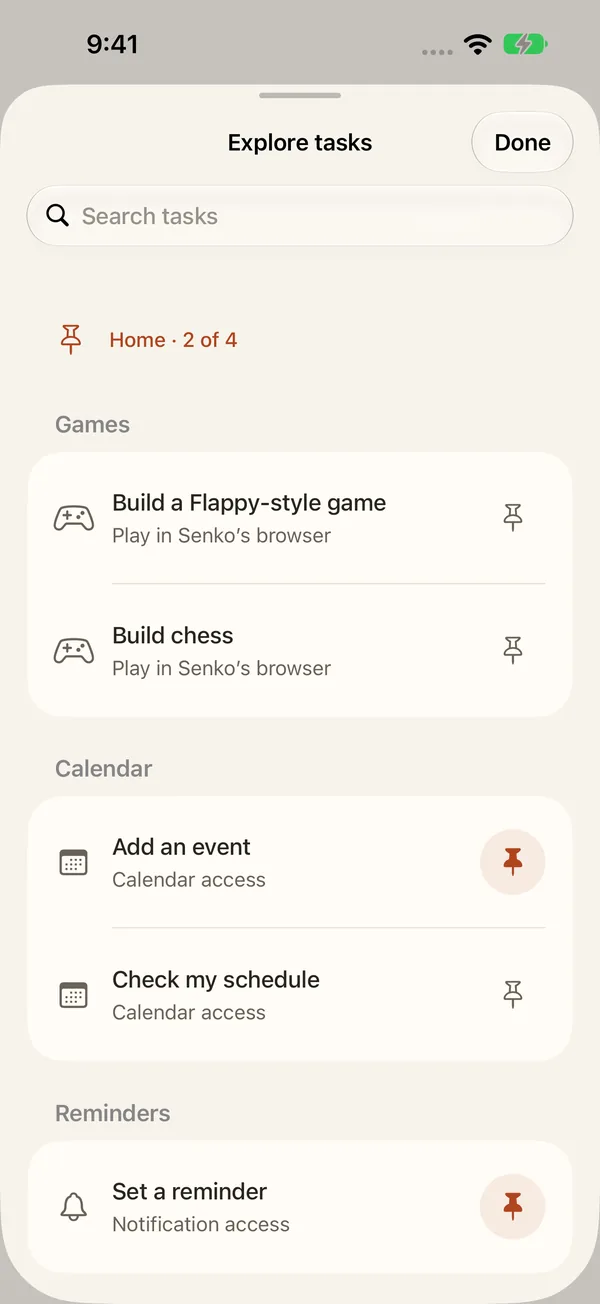
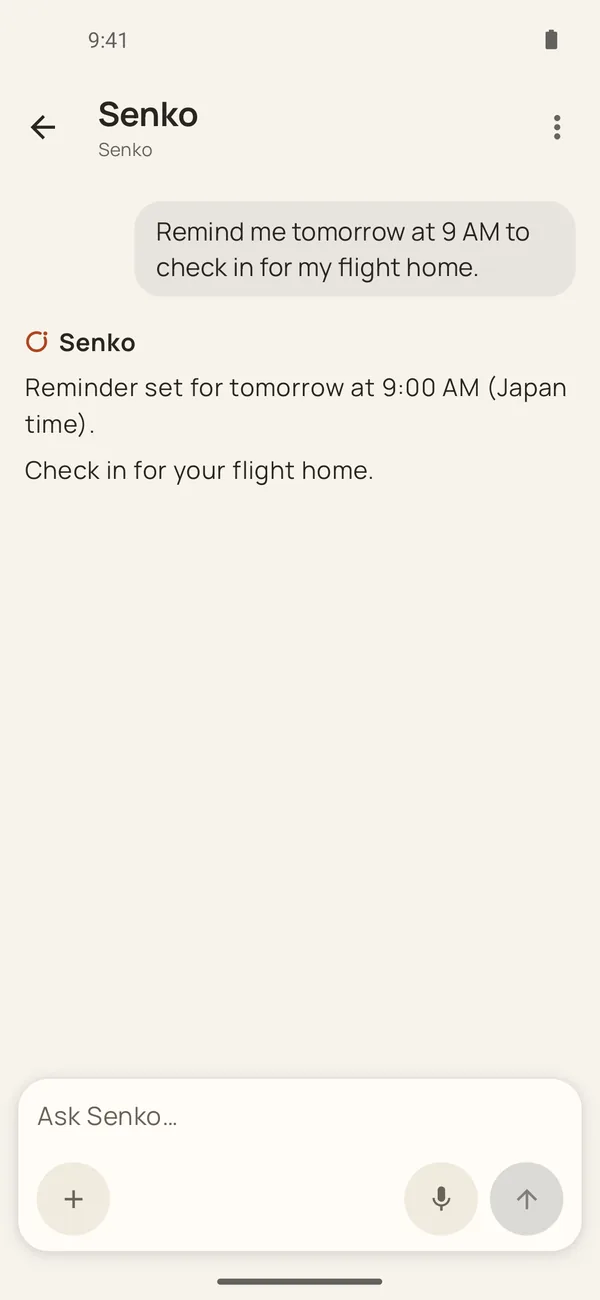
Add a calendar event, set a reminder, or find a contact. Pick a suggestion or describe the job in your own words.
OFFBEAT / CREATIVE BRIEF
A good place
to start.
01 Turn a rough thought into a first draft, then refine it. Open and save .docx files or export to PDF.
Offbeat.pptxPPTX
OFFBEAT® 01 / 03GOOD
DIFFERENT.An independent point of view. 02 / THE IDEAFind your
own rhythm.
03 / THE PLAN01 / Story
02 / Identity
03 / Launch
Build a presentation you can keep editing, then save it as .pptx or export to PDF.
Offbeat.mp41920 × 1080
Download example .mp4
Edit videos with a timeline, titles and transitions. Play this short motion design example.
senko — ~/projects
$ ls

Brief.txt          Project.csv
Offbeat.pptx        Offbeat.mp4
budget.py

$ _
Try a command
Interactive terminal illustration. Sample commands run locally on this page.
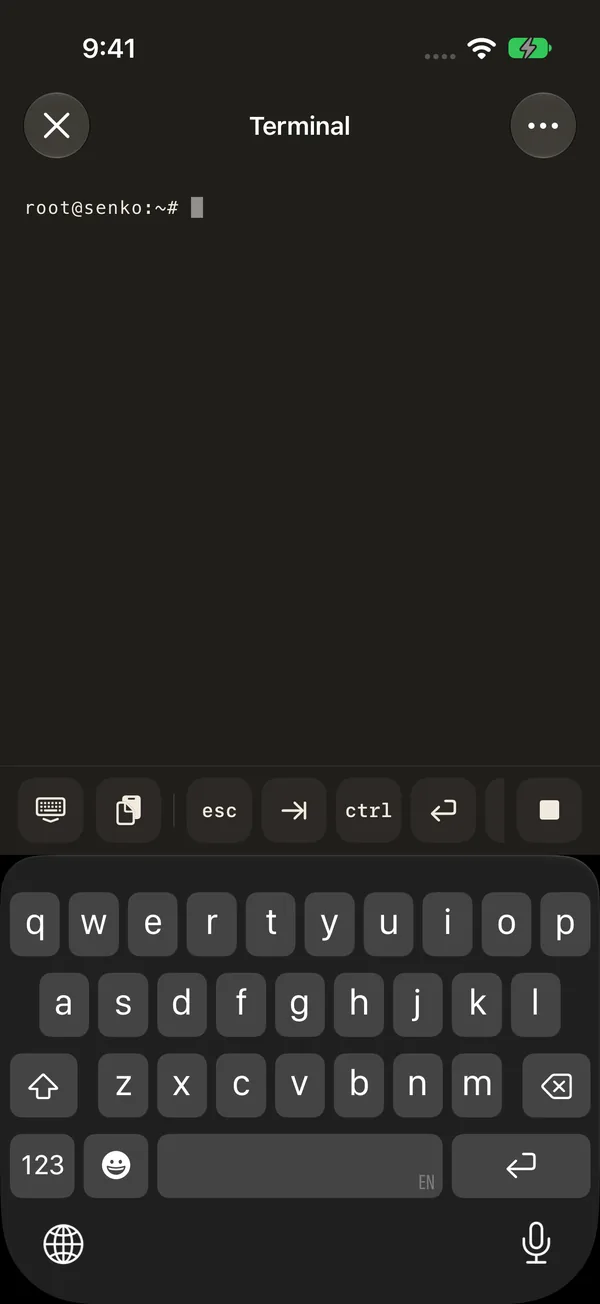
A built-in terminal, skills, and custom AI providers give you more control when you need it.
Interactive illustrations of what you can make with Senko. Sample data; changes stay on this page.
Integrations
Your setup. Still yours.
Bring your models, connect your tools, and make Senko fit the way you work.
OpenAIAnthropicGeminiOpenRouter
Your models
Choose providers and create your own model groups.
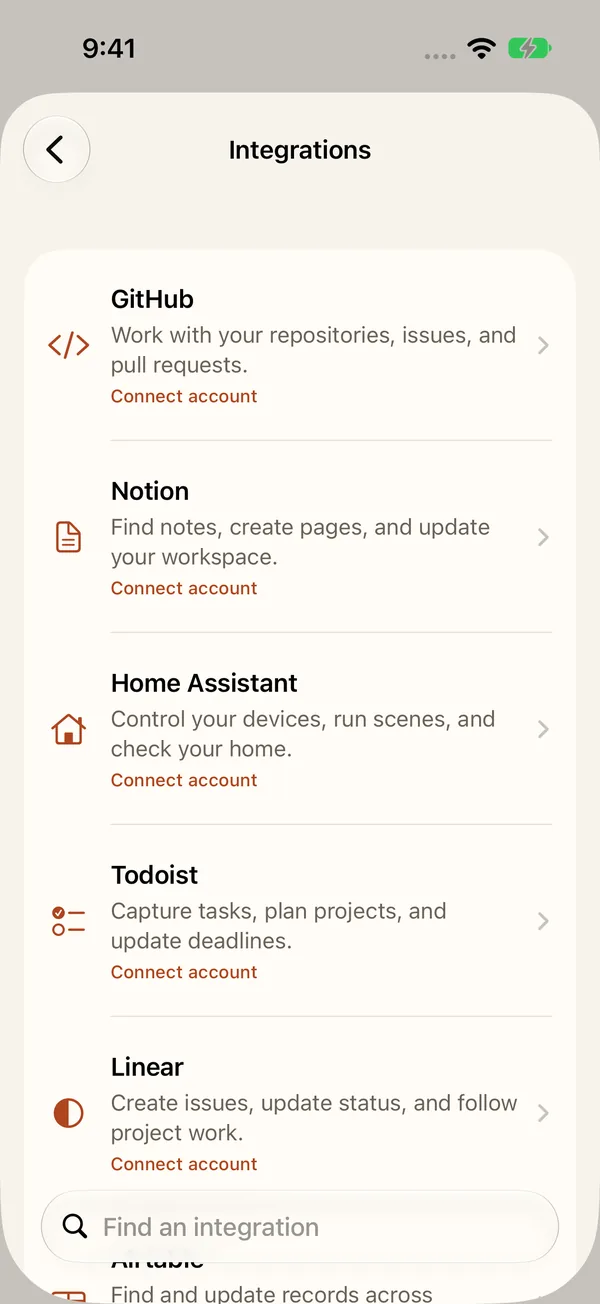
Your tools, connected
Connect your own MCP servers to give Senko access to more tools and services.
Local models
On-device models on compatible iPhone, iPad, and Android devices.
iOS · Android
Cloud sync
Choose what syncs across your Apple devices.
iCloud
.envPROJECT=offbeatAPI_KEY=•••••••• Environment variables
& Secrets
Set the values your scripts and connected tools need, all in one place.
Store credentials and choose to mask environment values in AI messages.
Skills
Add reusable skills from the catalog or your own files.
SOUL.mdMEMORY.md
Memory & personality
Edit what Senko remembers and how it responds.
Voice
Speak naturally. Hear replies aloud.
Camera
Ask, read text, translate, and estimate measurements.
Browser
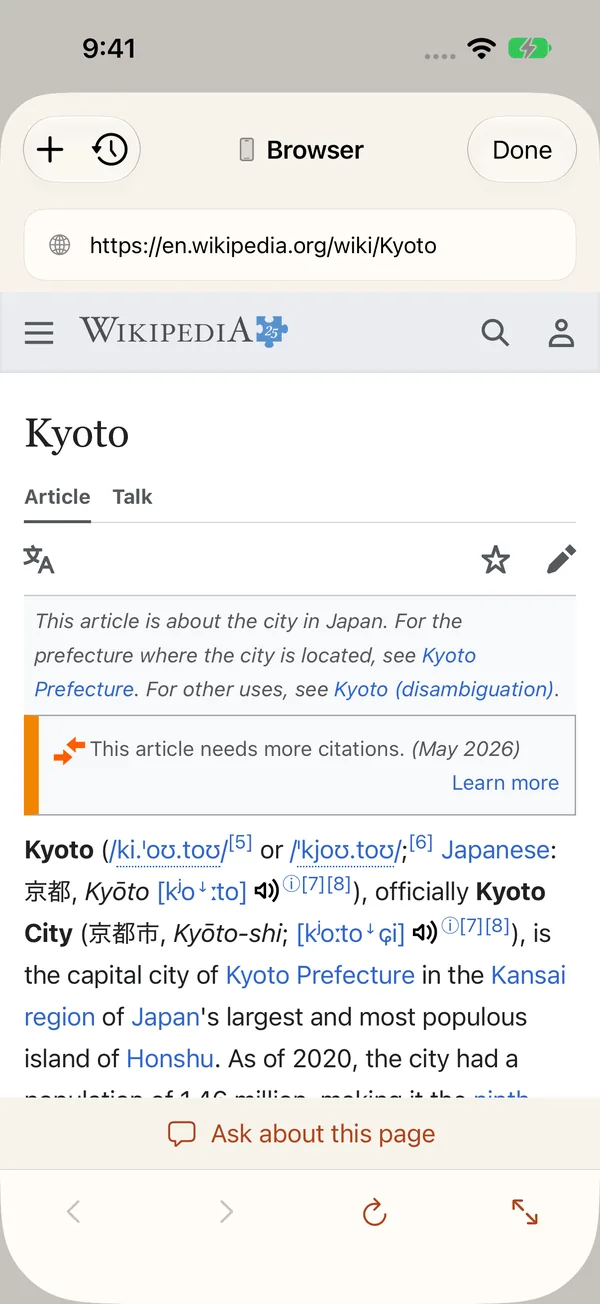
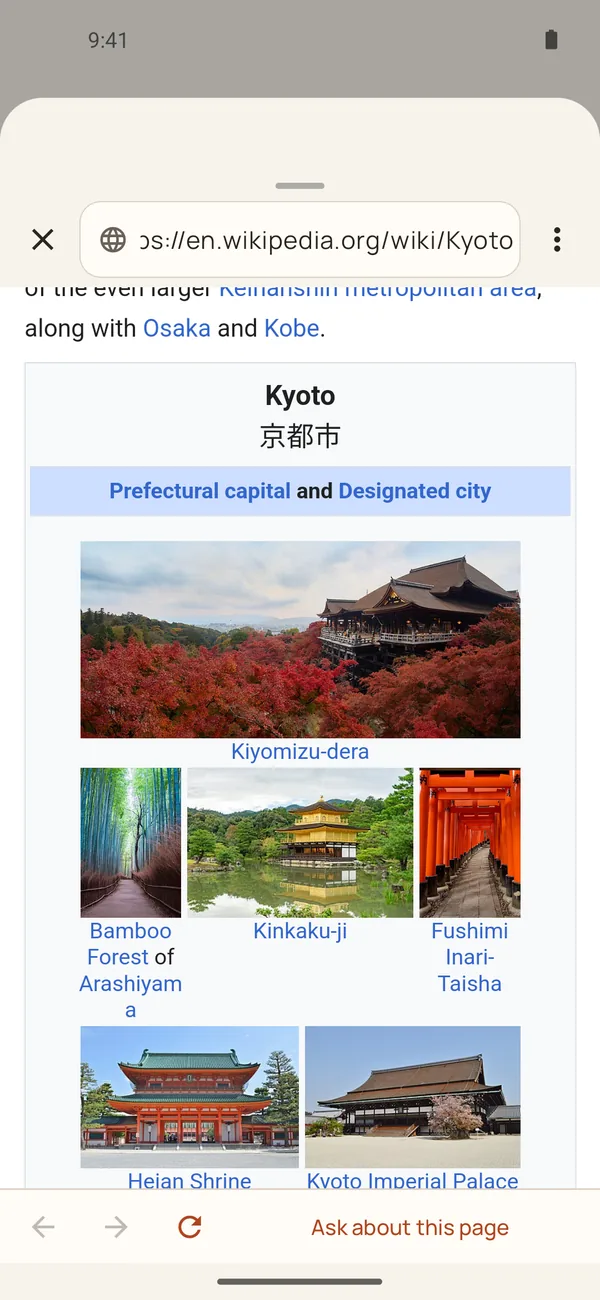
Research the web and ask about the page you’re on.
Files & folders
Bring in folders and share files with your tools.
Automations
Scheduled tasks on Android. Shortcuts automations on iPhone.
Permissions
Allow, ask, or deny access for individual phone tools.
Widgets & shortcuts
Keep tasks and saved creations close at hand.
Backup & restore
Choose what to save. Restore it when you need it.
Get Senko
What have you been
meaning to make?

Available for iPhone, iPad and Android.